Memory Keepsake Kit
$19.00
Personalize it
Our personalized gift creator is not open yet. Soon you'll be able to customize printable cards, certificates and wallpapers. Join the Club for launch updates.
Preview personalized card, certificate and wallpaper ideas. The customization tool is in development; sign up to be notified when it launches.
Notify Me at Launch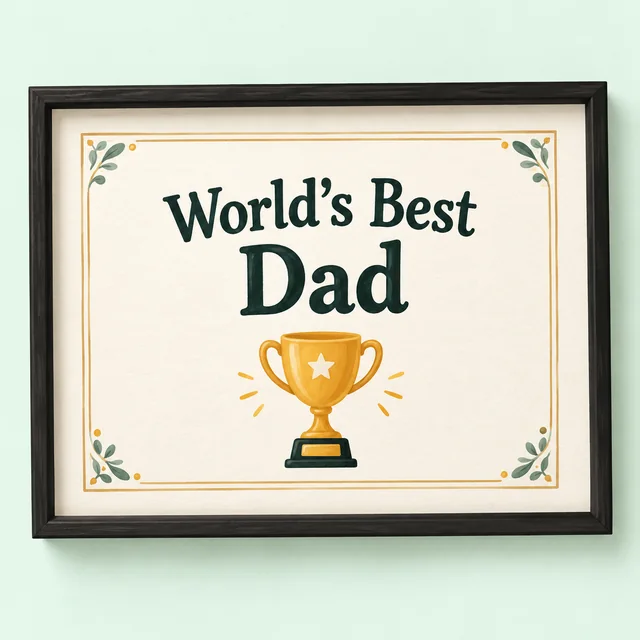 Custom Certificates
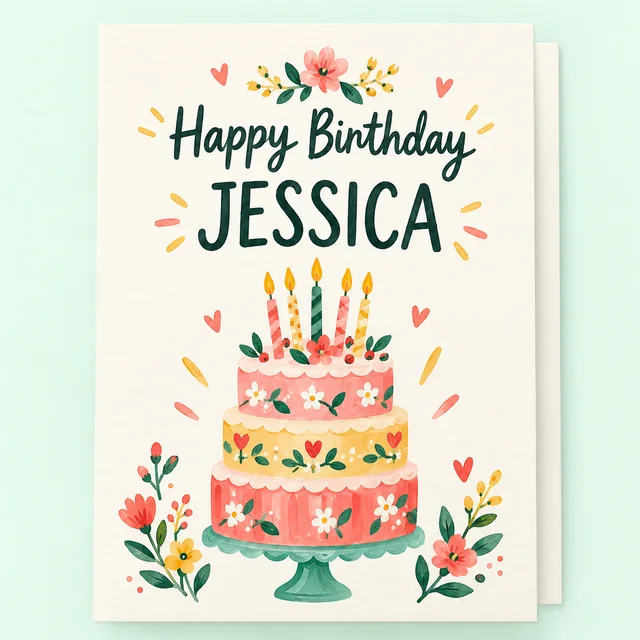 Personalized Cards
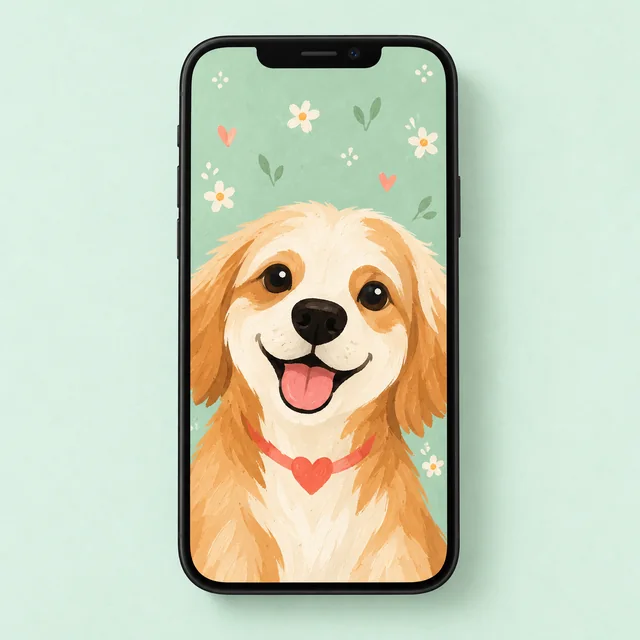 Phone Wallpapers
Templates you can personalize again and again.
$19.00
$12.00
$15.00
$29.00
Creator preview
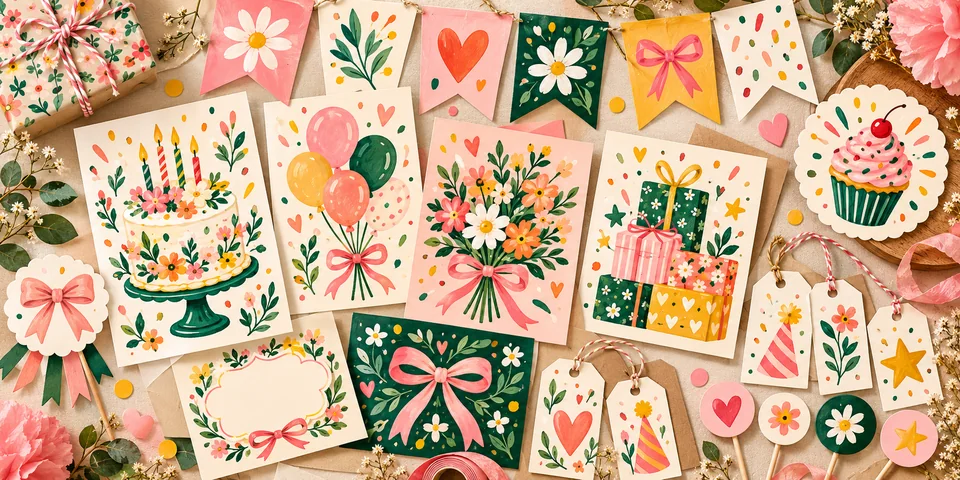
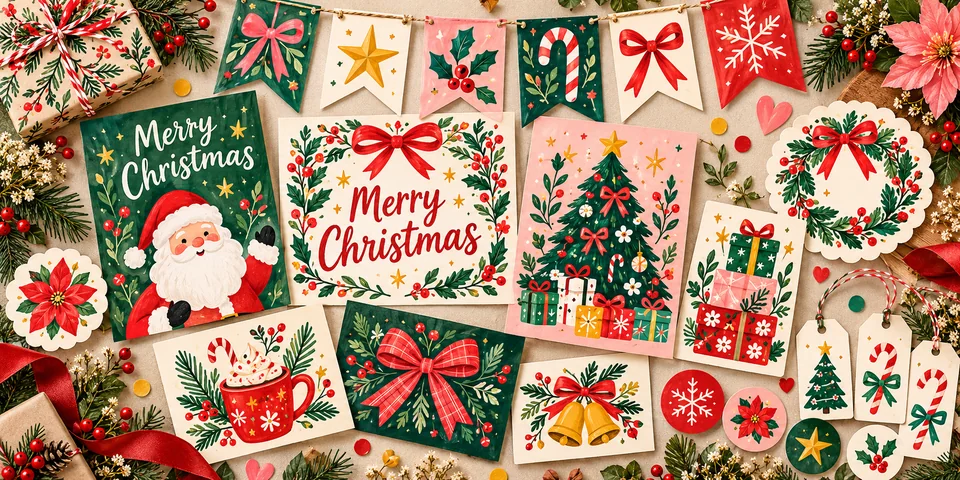
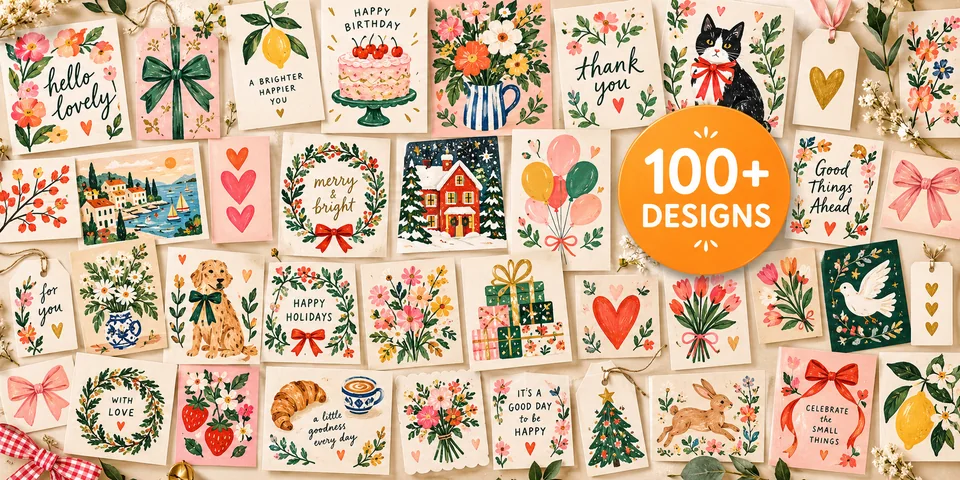
Personalized cards, certificates and wallpaper designs can turn familiar moments into keepsakes. Explore ideas and planning tips while the creator is being developed.
A personalized gift reflects details that belong to the recipient. It might include their name, a date, a shared joke, a meaningful photograph or a message written in your own voice. Those choices signal attention, which is often more valuable than complicated decoration.
Start by asking what the gift should communicate. A celebration calls for energy; a remembrance may call for quiet simplicity. Keep the message appropriate to the relationship, especially when creating something for work, school or a more formal occasion.
A personalized card works best when the main message is easy to read. Choose an opening that feels natural, mention something specific, and finish with a short closing. If you are unsure about the design, write the message first and then select colours and imagery that support its tone.
Think about how the card will be presented. A printed folded card may need room for a handwritten note. A flat digital card may work better with a concise message. The Gift Libraries card creator is not available yet, so the pictured examples demonstrate planned possibilities rather than an active editing service.
A certificate can recognize a school achievement, a personal challenge, a celebration at home or an act of kindness. A meaningful certificate states what the person accomplished and why it matters. Avoid making an everyday gesture feel excessively formal when a playful design would be more fitting.
Before creating one, collect the exact spelling of the recipient's name, the occasion and any relevant date. Read the final text slowly; personalized spelling errors are more noticeable than ordinary design flaws. Keep the wording inclusive and genuine.
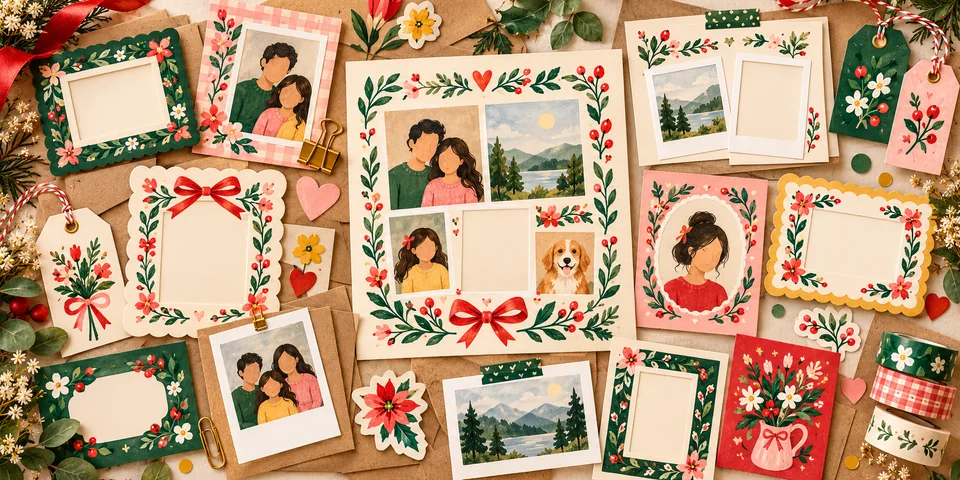
Photo keepsakes are strongest when the images tell a clear story. Instead of selecting every available photograph, choose a small group with a common connection: a trip, a year together, a friendship or a family milestone. Mix wider scenes with close-up moments so the collection has rhythm.
Consider privacy and permission when using pictures of other people, particularly children. Select sharp original photographs where possible, and keep backup copies. The Memory Keepsake Kit is a separate listed digital bundle; do not assume that its templates are connected to an active on-site creator.
A phone wallpaper can be a daily reminder of friendship or a meaningful quote. Because phone screens are narrow and icons occupy part of the display, simple compositions usually work better than lots of small text.
Keep important wording away from the top and bottom of the image. Use a short phrase, a favourite colour or a meaningful visual theme. When the creator launches, check the supported dimensions and export options before designing for a particular device.
Too many fonts, too many words and decorative elements that overwhelm the message are common ways to make a design less readable. Begin with one idea and give it space. Check contrast if text appears over an illustration, and review a printed proof before giving the final item.
Another common mistake is expecting the editing process to supply personal meaning automatically. The most useful customization is often a sentence the giver writes, not an effect added by a tool. Sketch your message in advance so you can make quicker choices when the feature becomes available.
The Gift Libraries online creator is currently in development, and no public launch date has been announced on this page. You can explore the examples here, then join the Club for launch news. Signing up does not open the editor or deliver a personalized file immediately.
For printable products already listed in the catalogue, browse the premium shop and read individual product details. If you have a question about what is supported, contact the store rather than assuming a planned feature is live.
When thinking about a personalised card, begin with the words. Draft the recipient's name, the occasion, one genuine personal detail and a concise closing. Check spelling and dates separately. This makes it easier to choose a layout that fits the message instead of squeezing too much text into a finished design.
A certificate might need an achievement and date, while a photo keepsake may work better with one meaningful caption. Your message is the part that cannot be supplied by an automatic design tool. Taking a few minutes to prepare it will be useful once customization features actually become available.
For photo-based gifts, select a clear group of images with a shared story. You might choose a single holiday, a friendship over time or a family celebration. Original high-quality files usually provide more flexibility than heavily compressed screenshots. Keep copies of the originals before cropping or arranging them.
Be considerate of others pictured, especially children, and think about how the finished design might be shared or displayed. A private family print and a public social post involve different expectations. If a particular photo is sensitive, ask permission before including it.
The creator page currently illustrates planned cards, certificates and phone wallpapers, but its examples do not constitute an operating online editor. There is no verified live workflow for uploading personal photos and exporting a finished design at this stage. The Club offers announcements rather than immediate access.
When the feature launches, its instructions should explain accepted file sizes, supported output formats and any privacy implications of submitting images. Until then, use this page for planning and inspiration, and review current premium product listings separately for their actual contents.
Join for launch news when the personalized gift creator is ready. Free printable releases will also be announced here.
Free to join. Unsubscribe anytime.